The SSH terminal for your cyberdeck.
DeckTerm turns an iPhone and any hardware keyboard into a pocket SSH terminal. Built for landscape, driven from the keyboard.
Coming soon to the App Store
Support and questionsFree, with an optional tip jar. For iPhone with iOS 17 or later.
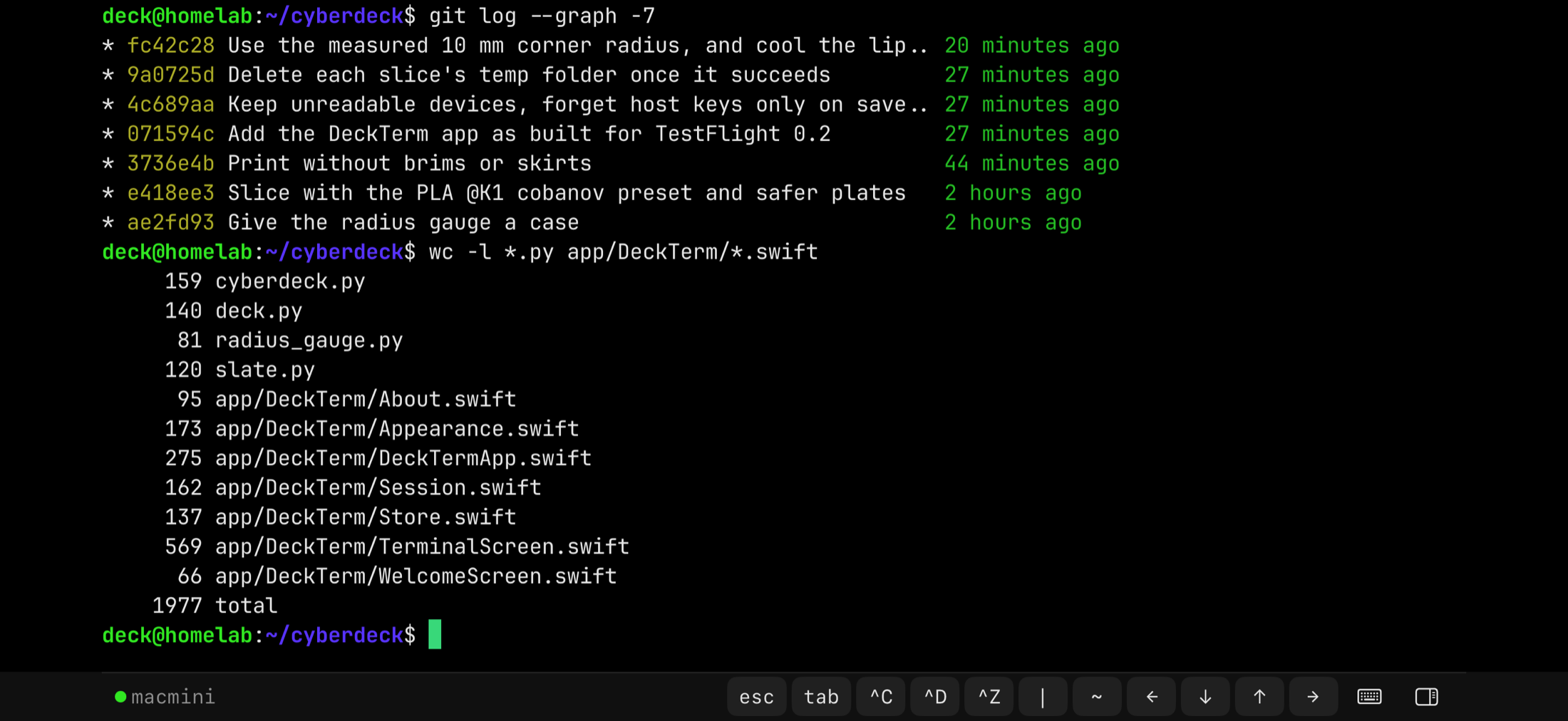
Built for any deck
If there is an iPhone and a hardware keyboard in front of you, it is a deck. A 3D-printed shell, a phone stand behind a mechanical board, a folding travel keyboard: Bluetooth or wired, any keyboard iOS supports. DeckTerm runs in landscape only, the way a deck holds the phone.
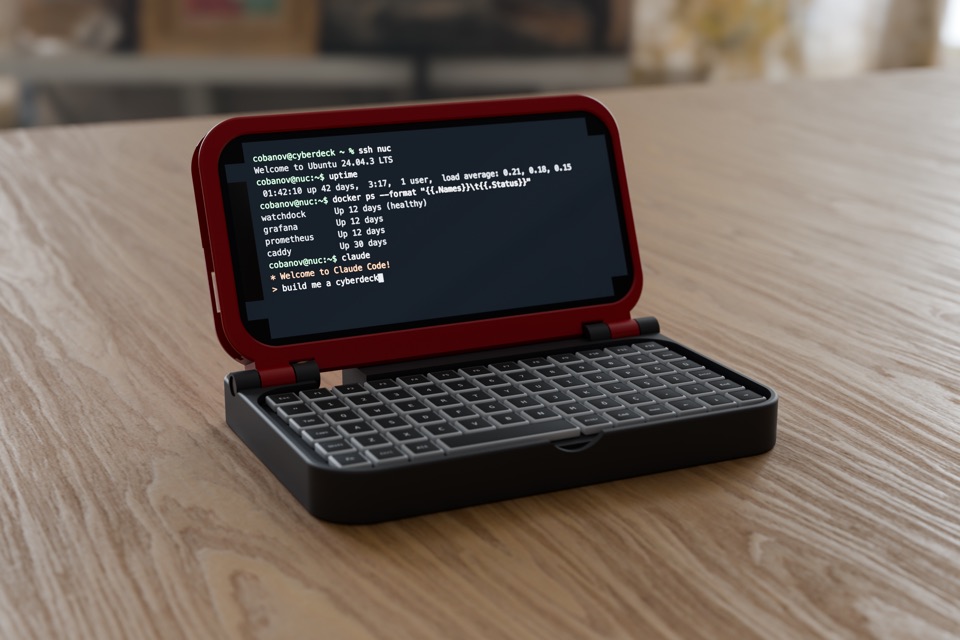
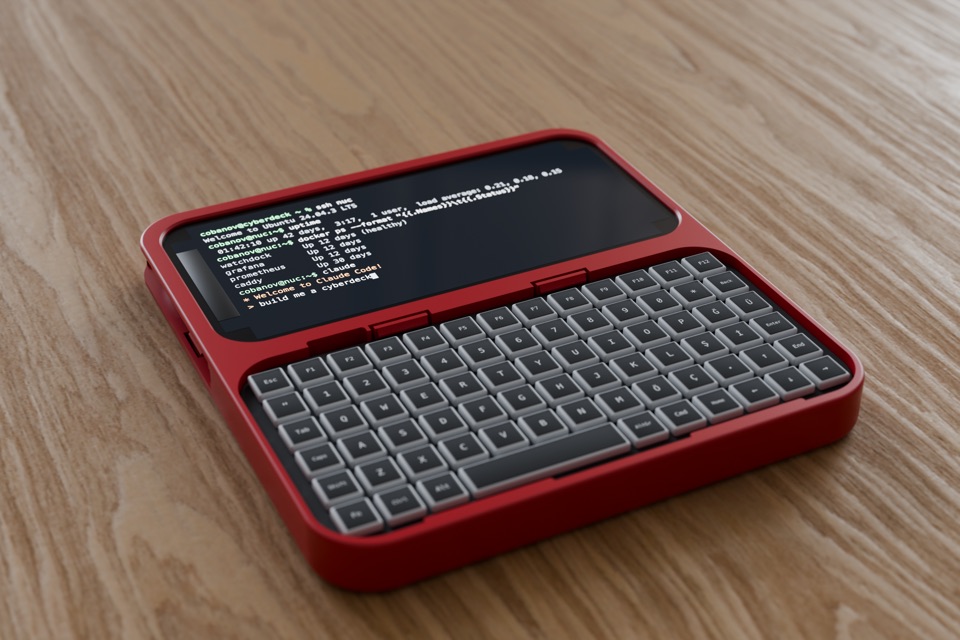
These two are the developer's own decks. Yours can be anything.
Keyboard first
Your saved devices sit on one screen as cards. Pick one with a shortcut and you are in. Everything you do often has a key.
| ⌘1–⌘9 | Connect to a saved device |
|---|---|
| ⌘N | Add a device |
| ⌘W | Back to the device list |
| ⌘= ⌘- | Bigger or smaller text |
| ⌘, | Open the side panel |
Want Caps Lock as Control or Escape? iOS does it: Settings, General, Keyboard, Hardware Keyboard, Modifier Keys.

Touch where it helps
The keyboard does the typing. The screen handles the few things a small keyboard makes awkward.
-
Slide for arrow keys
Hold a finger on the terminal and slide it. Each step sends an arrow key, with a haptic tick so you can feel it.
-
Swipe from the edges
Swipe in from the left edge to go back to your devices. Swipe in from the right to open the side panel.
-
Snippets
Save the commands you type every day. Tap one to run it. Long-press to paste it without running, or to delete it.
Looks like your terminal
Eleven themes, and the one you pick colors the whole app, not only the terminal.
- DeckTerm
- Phosphor
- Amber
- One Dark
- Darcula
- Catppuccin
- Dracula
- Gruvbox
- Nord
- Tokyo Night
- Solarized
Five fonts: JetBrains Mono, the default, plus Fira Code, IBM Plex Mono, SF Mono and Menlo. Font, size and theme live under Look in the side panel.

Private by design
DeckTerm talks to the SSH servers you add, directly from your phone, and to nothing else.
- No accounts, no trackingNo sign-up, analytics, ads or servers of its own. The app collects no personal data.
- Secrets stay on this iPhonePasswords and your private key live in the iOS Keychain, marked this-device-only: not synced to iCloud, not moved to another phone, never in a backup.
- Host keys are pinnedThe first connection to a server remembers its key. If the key ever changes, DeckTerm refuses to connect and shows you the new fingerprint.
- Password or keySign in with a password, or with one OpenSSH private key (ed25519 or RSA, passphrase optional) shared by all your devices.
Read the privacy policy and the security model.
Free, with a tip jar
DeckTerm is free and nothing in it is locked. If it earns a place on your deck, you can leave a small, medium or large tip under About in the app's … menu.
Tips go through Apple's In-App Purchase and unlock nothing. DeckTerm is made by Mert Cobanov, an independent developer.
Questions
Which keyboards work?
Any hardware keyboard iOS supports, over Bluetooth or a cable.
Can I keep a session running in the background?
Not yet. Leaving the terminal or iOS suspending the app ends the session, so run tmux or screen on the server to keep your work going.
Does it support mosh, SFTP or port forwarding?
Not yet. DeckTerm runs one SSH session at a time, without mosh, SFTP, port forwarding or jump hosts.
How do I move my setup to a new phone?
Export a backup file from the … menu on the device list, then restore it on the new phone, even from the first-launch screen. Passwords and your key are never in the backup, so add them again.
More answers on the support page.